
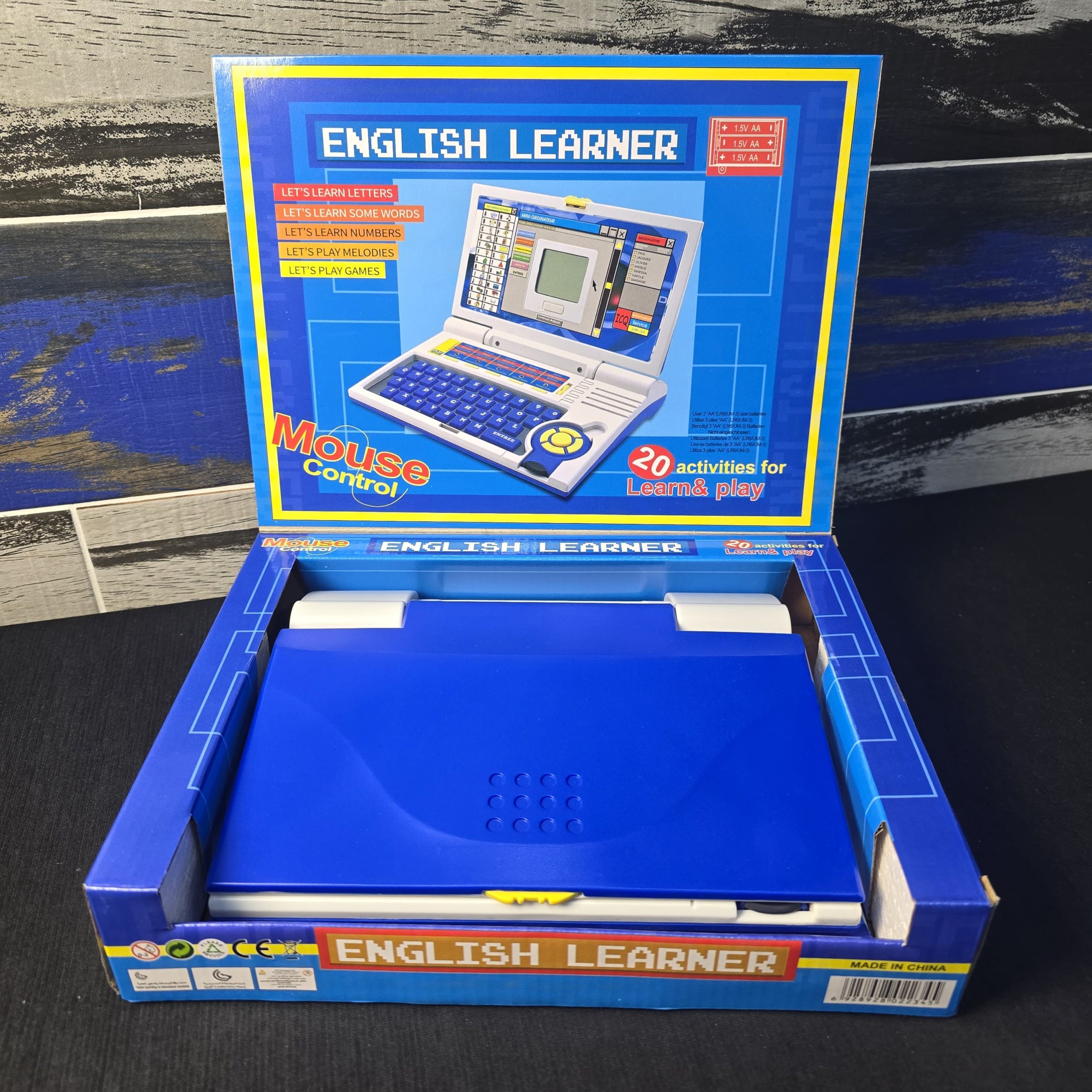
“English Learner” laptop,
Original price was: ₨ 7,000.₨ 5,000Current price is: ₨ 5,000.
Description
💻 Device Overview
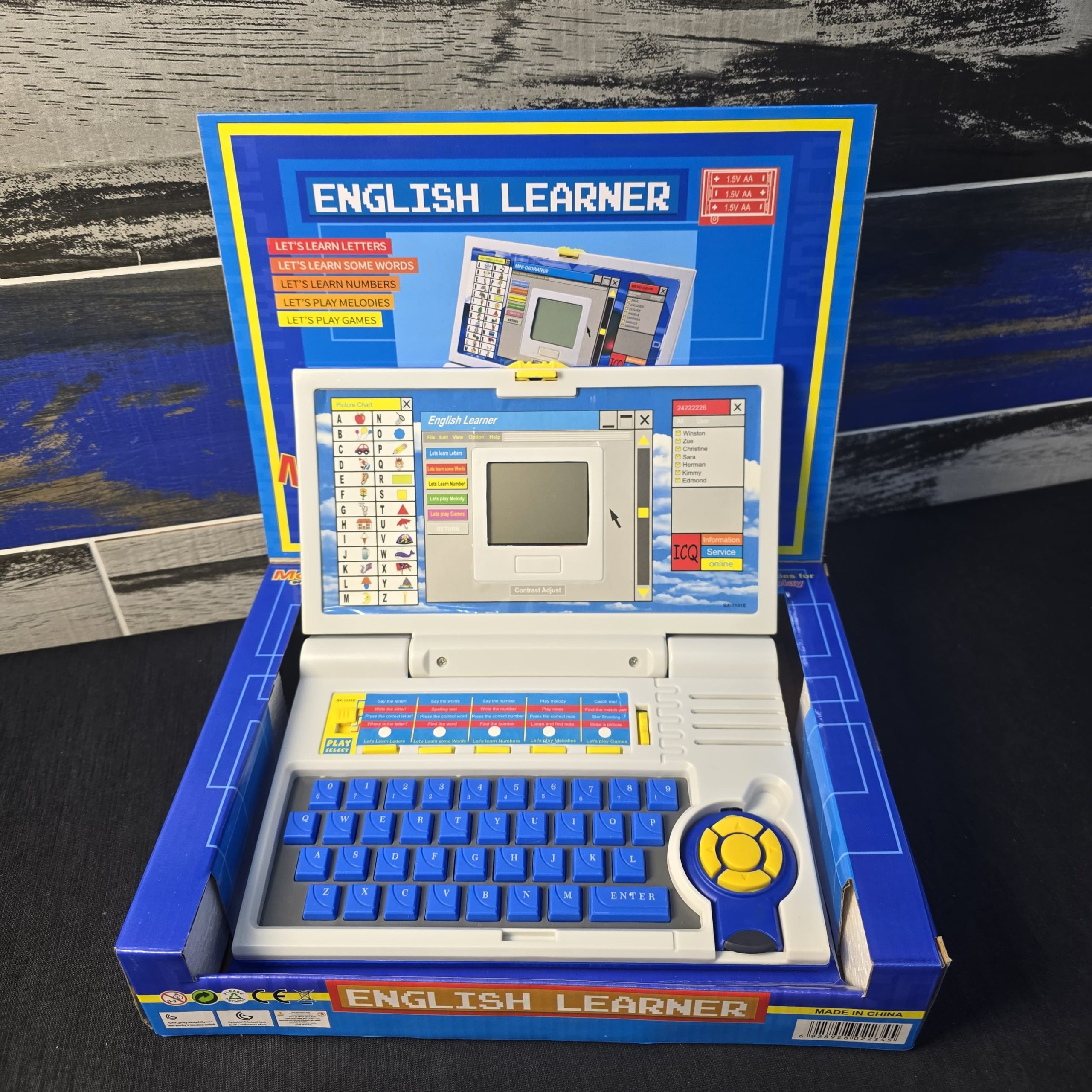
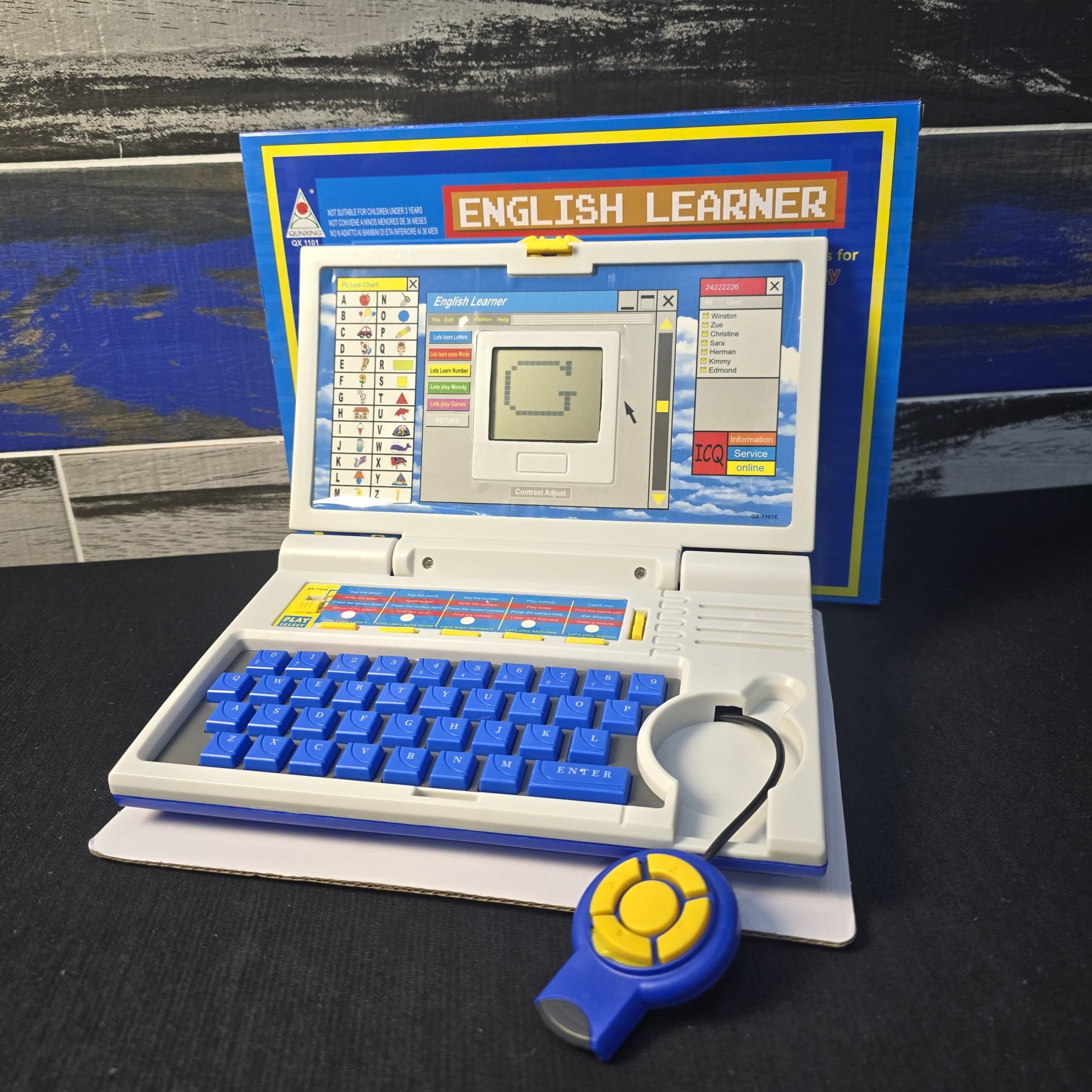
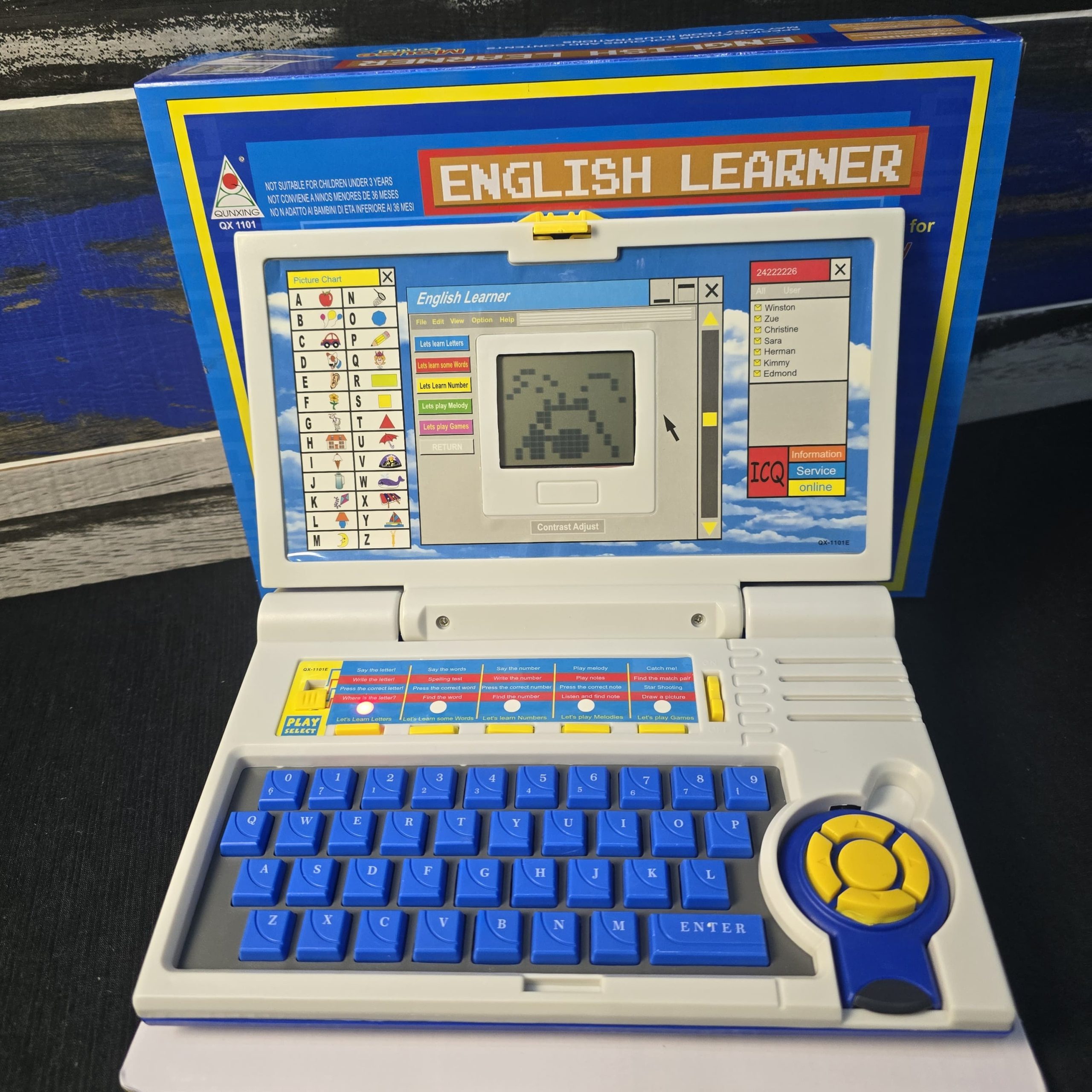
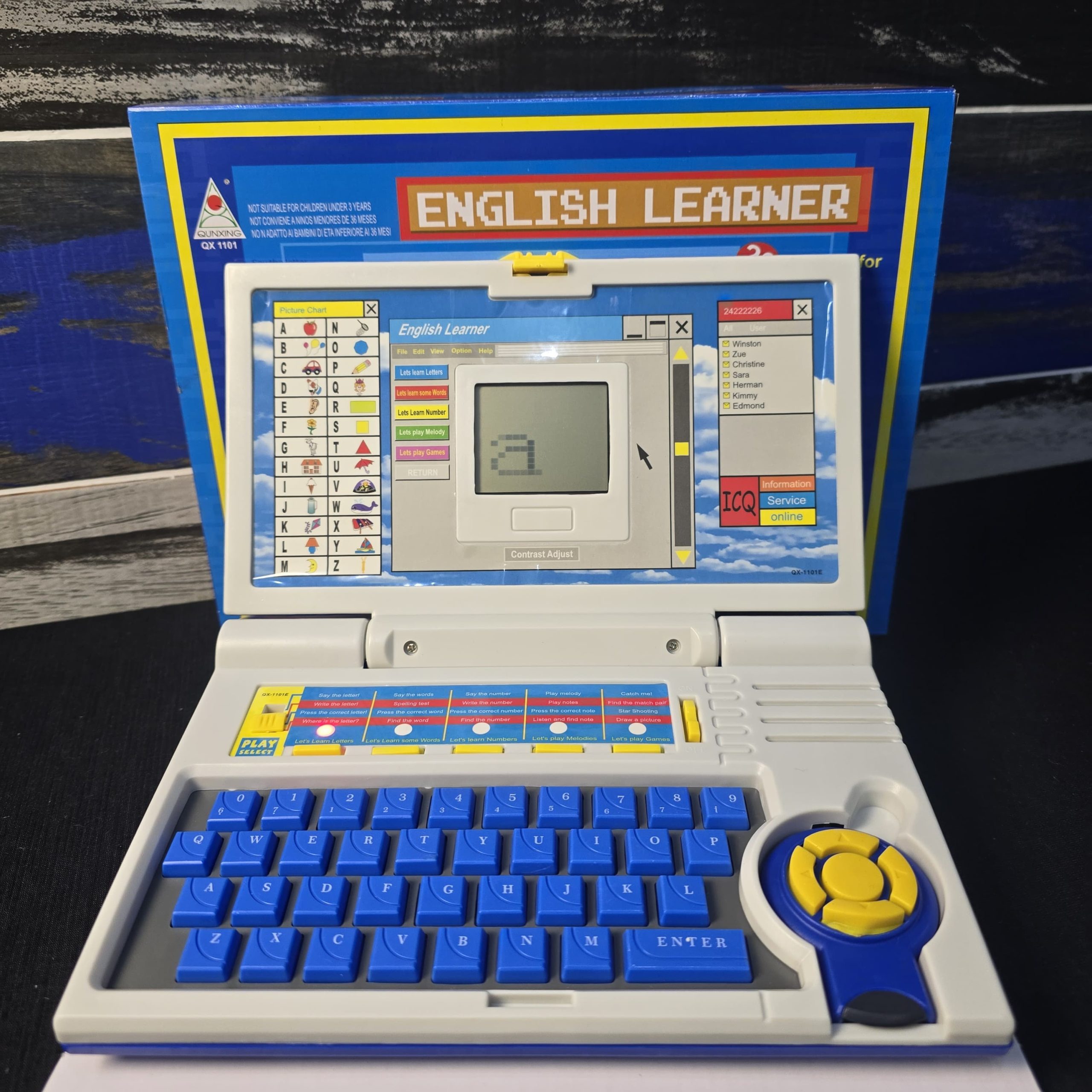
This toy is modeled after a sub-notebook or laptop. It features a full QWERTY-style keyboard and a directional pad (labeled “Mouse Control”) to navigate the on-screen menus. The primary interface is a monochrome pixelated screen capable of displaying simple text and blocky animations.
Technical Specifications
-
Power Source: 3 x 1.5V “AA” (LR6/UM-3) batteries.
-
Audio: Built-in speaker for “Say the Letter” prompts and musical melodies.
-
Input: Integrated keyboard and a circular D-pad for cursor movement.
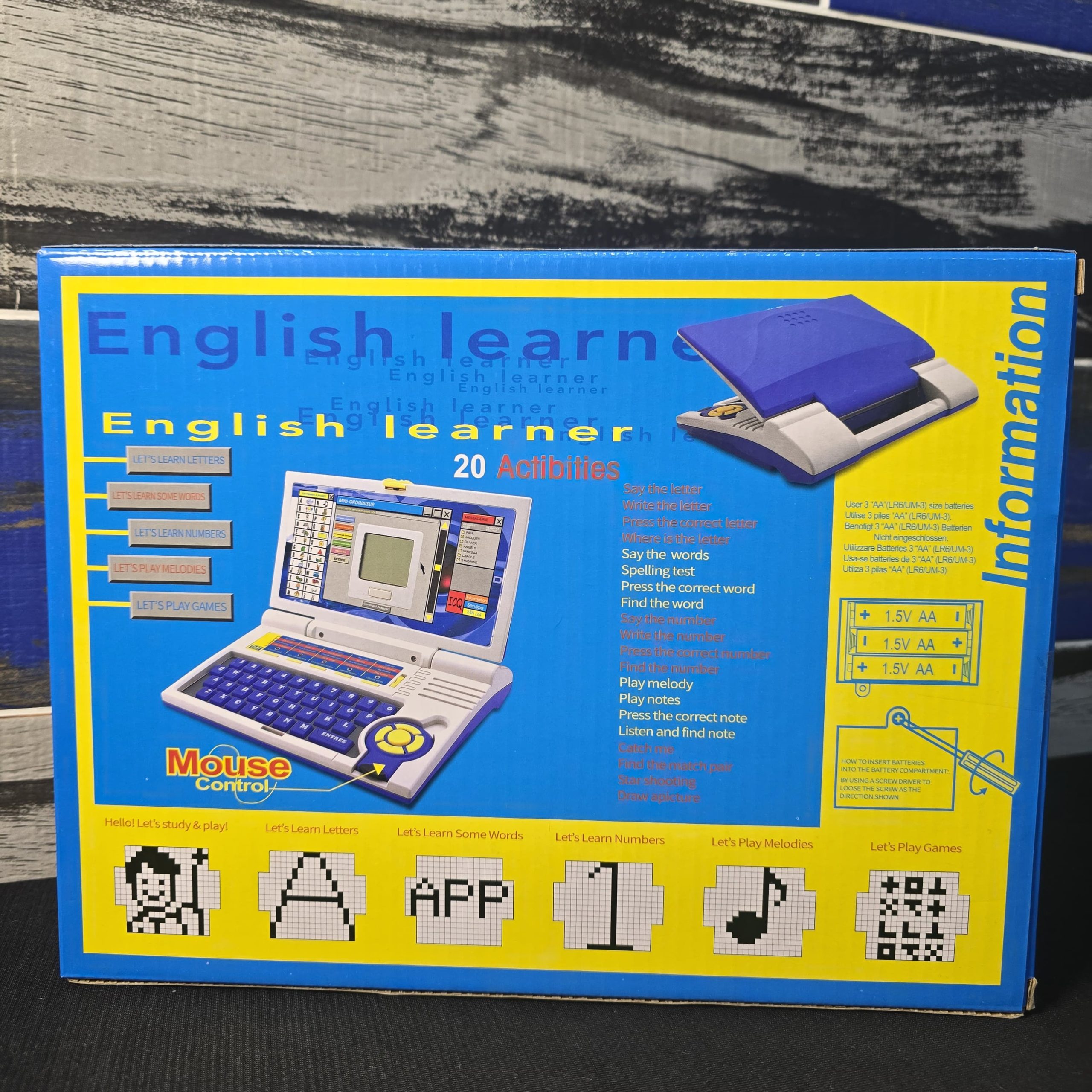
📚 The 20 Educational Activities
The device is categorized into five main learning modules, each containing specific activities designed to build foundational skills.
1. Language & Literacy (Letters and Words)
These activities focus on phonics, spelling, and word recognition.
-
Say the Letter: Audio feedback to help children associate sounds with visual characters.
-
Write the Letter: Likely a guided animation showing the proper stroke order for drawing letters.
-
Press the Correct Letter: A “find and click” game to test recognition.
-
Spelling Test: Challenges the user to type out words based on on-screen prompts or audio cues.
-
Find the Word: A vocabulary-building exercise.
2. Mathematics (Numbers)
-
Say the Number: Basic identification of digits.
-
Write the Number: Visual guide for numeric formation.
-
Press the Correct Number: Recognition and response speed drills.
-
Find the Number: Basic logic and sequence searching.
3. Music & Sound
-
Play Melody: Plays pre-programmed 8-bit tunes.
-
Play Notes: Allows the child to use the keyboard keys as a “piano” to create their own sounds.
-
Listen and Find Note: An ear-training exercise to match sounds to keys.
4. Games & Logic
These activities are designed to improve hand-eye coordination and spatial reasoning.
-
Catch Me: A reaction-time game.
-
Find the Match Pair: A classic “Memory” style game using icons.
-
Star Shooting: A simple arcade-style shooter.
-
Draw a Picture: A basic “Etch-a-Sketch” style pixel art creator.
🛠️ Setup and Maintenance
To get the device running, you will need a small Phillips-head screwdriver.
-
Battery Installation: Locate the battery compartment on the underside of the device.
-
Polarity: Ensure the batteries are inserted correctly according to the diagram on the box (alternating directions).
-
Screen Contrast: Many of these units have a small dial or slider on the side to adjust the LCD contrast. If the screen looks blank or completely black, try adjusting this dial.
💡 Quick Tips for Use
-
The “Mouse”: Note that the “Mouse Control” on this model is a fixed directional button, not a moving peripheral. Teach the child to use the arrows to highlight an activity and the “ENTREE” (Enter) key to select it.
-
Volume: These toys can be quite loud; since there is often no volume control, a small piece of clear tape over the speaker grill can help dampen the sound for indoor play.
Related products
-
Sale!
Magnetic Color and Number Maze Board
Original price was: ₨ 1,999.₨ 1,599Current price is: ₨ 1,599. Add to cart -
Sale!
Scratch Paper Note for Kids Scratch Art Paper Large Black Magic Rainbow Painting
Original price was: ₨ 800.₨ 600Current price is: ₨ 600. Add to cart -
Sale!
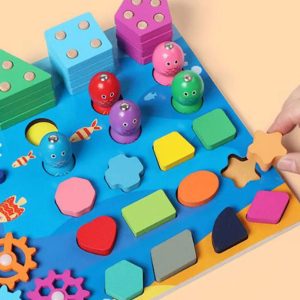
Wooden Puzzle Sorting Toys For Children
Original price was: ₨ 4,000.₨ 3,200Current price is: ₨ 3,200. Add to cart -
Sale!
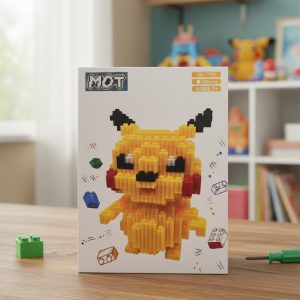
Pikachu Micro-Block Building Set (1850+ Pieces)
Original price was: ₨ 1,800.₨ 1,500Current price is: ₨ 1,500. Add to cart
Reviews
There are no reviews yet.