
Portable Mini Karaoke Machine
Original price was: ₨ 2,200.₨ 1,700Current price is: ₨ 1,700.
Description
🎙️ Hardware Overview
-
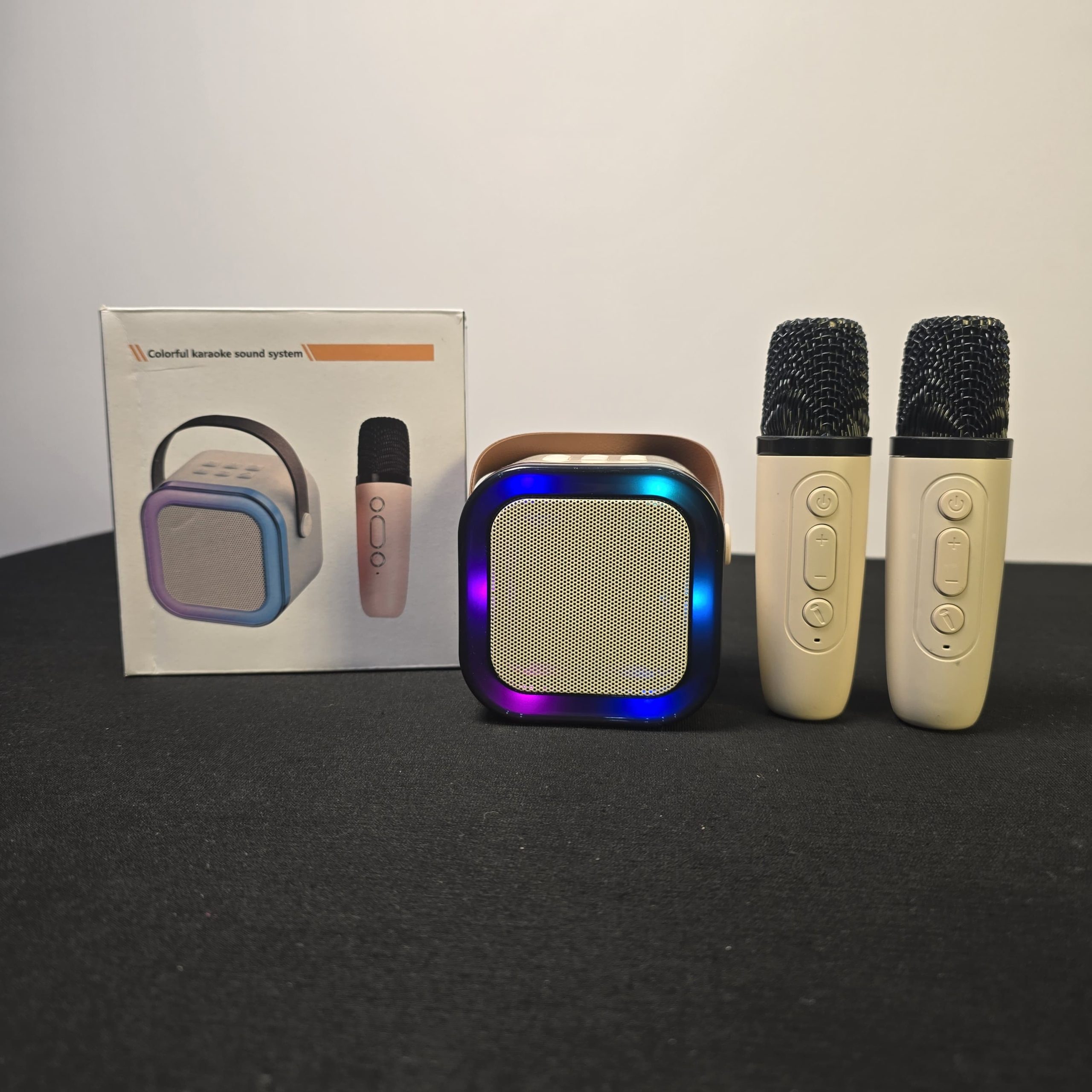
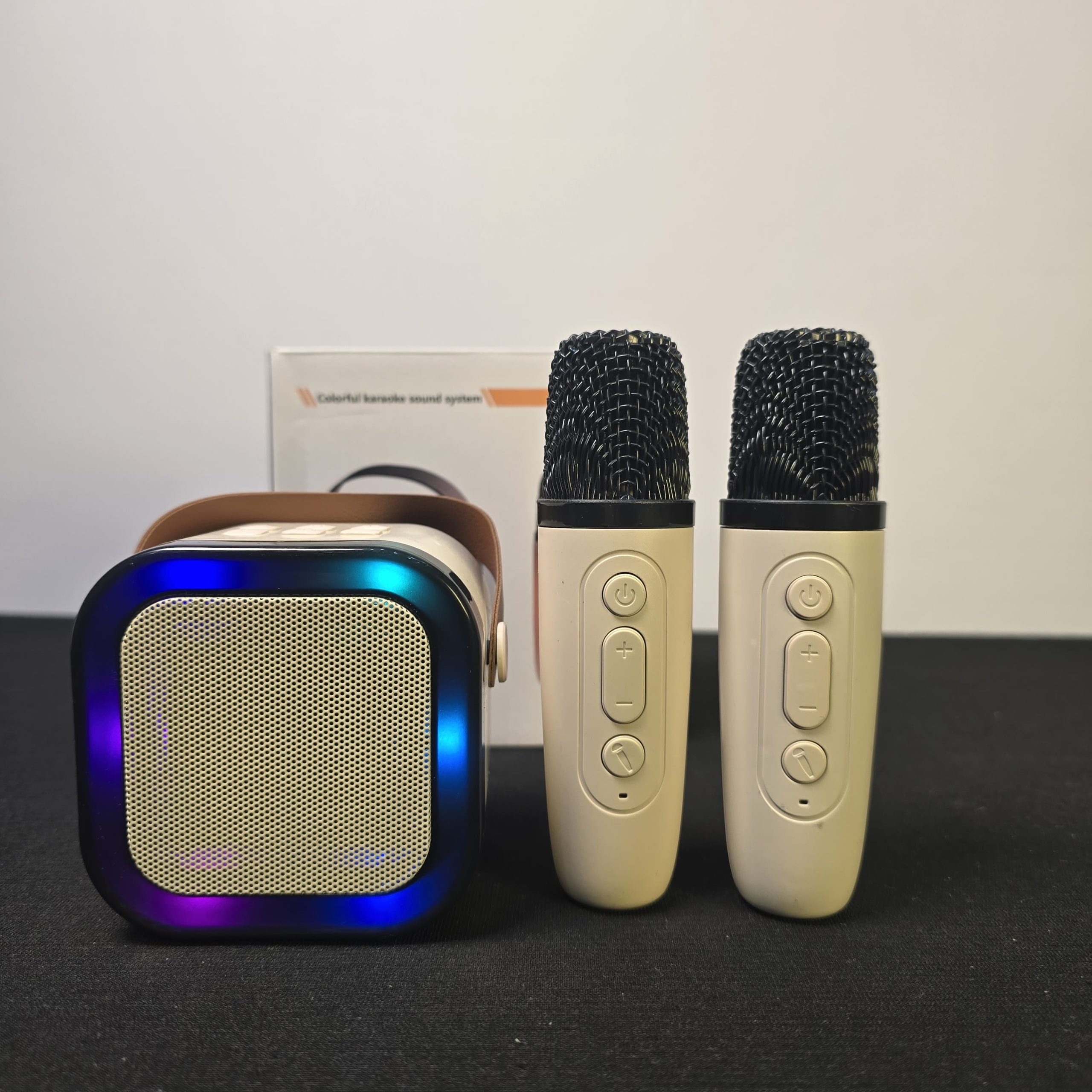
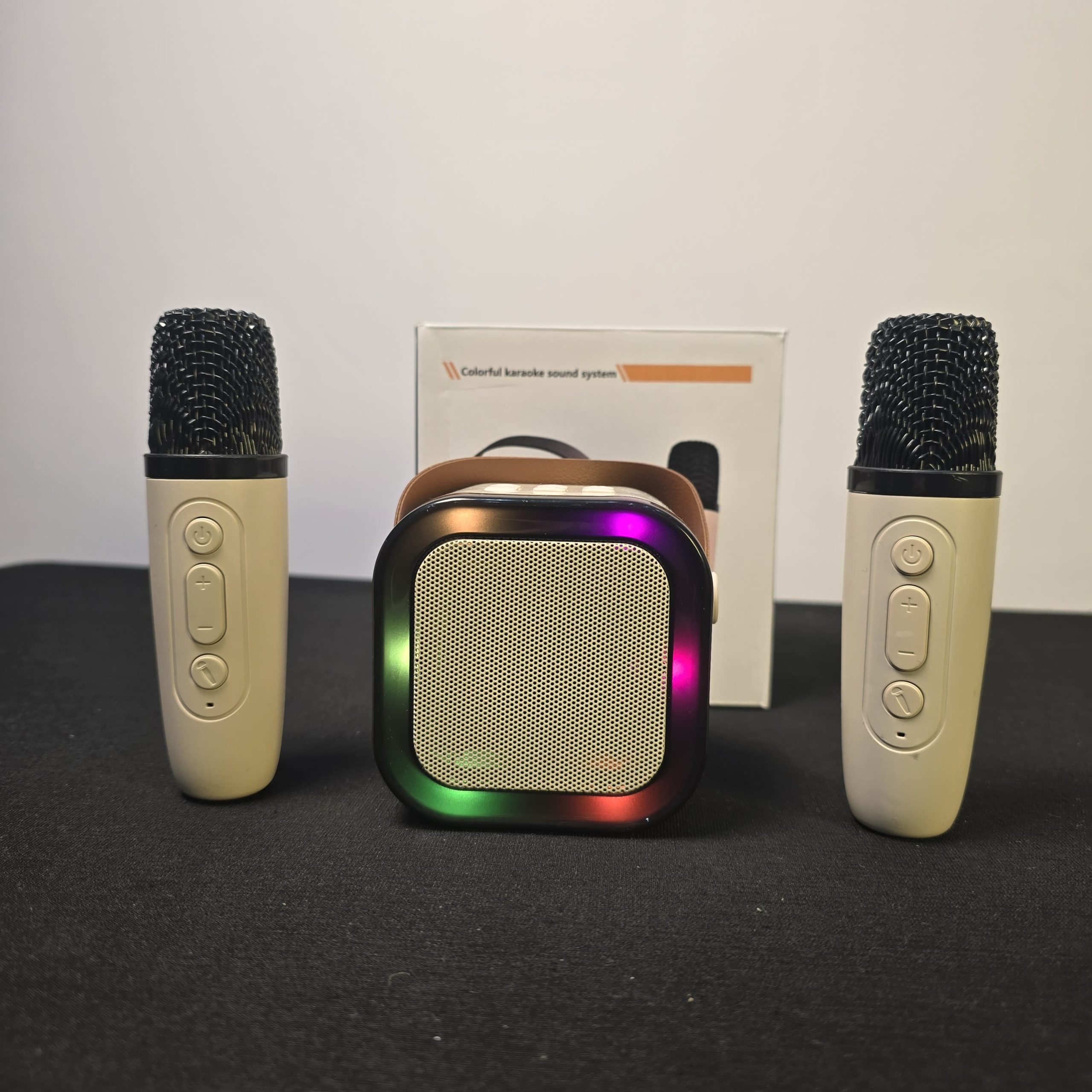
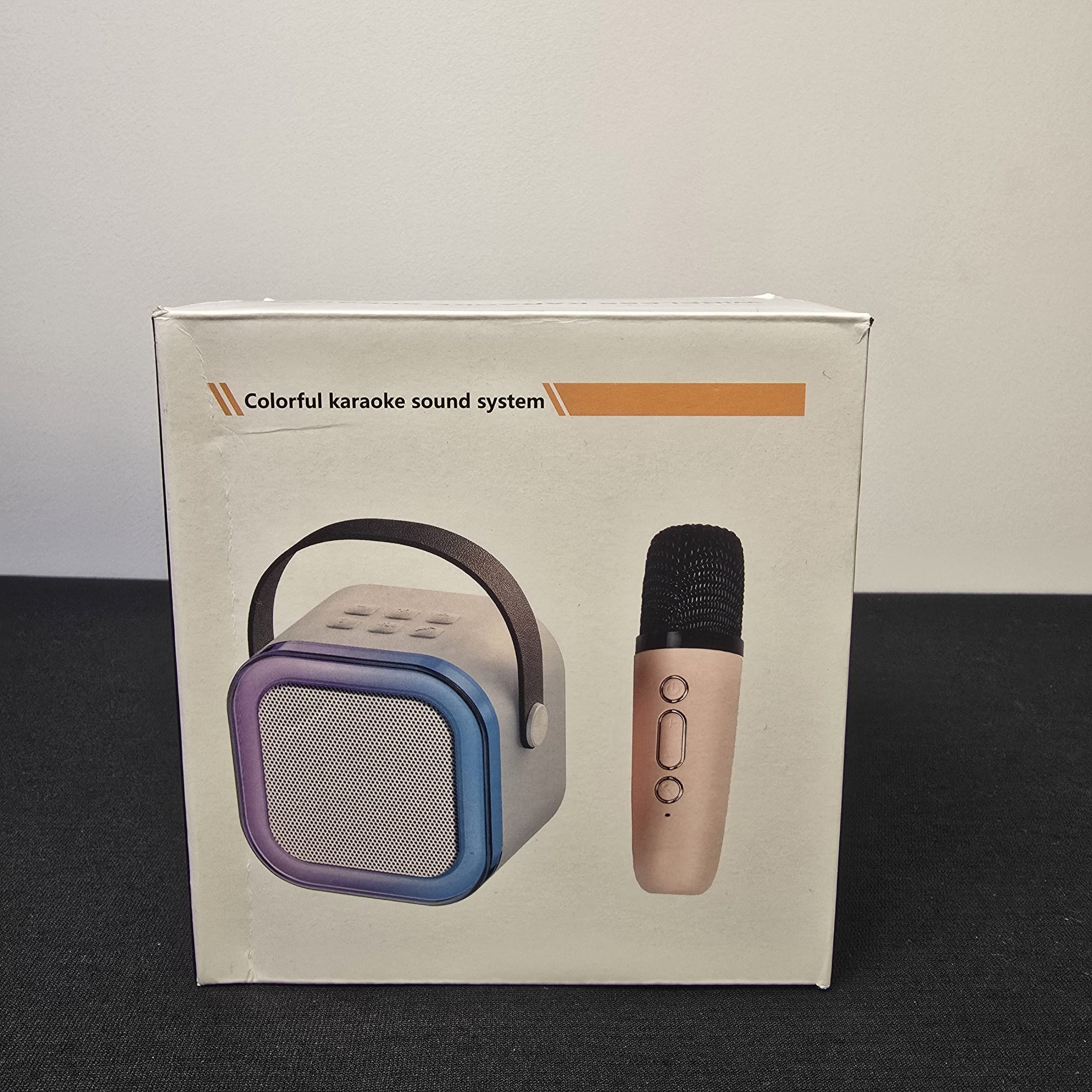
The Speaker: This is the “brain” of the system. It usually features RGB LED lighting around the grille and a leather-style carrying strap.
-
The Microphones: You have two wireless rechargeable mics, which is perfect for duets.
-
Charging: Both the speaker and the mics usually charge via USB-C. Look for the ports on the back of the speaker and at the bottom of the microphones.
⚙️ How to Connect and Play
-
Power On: Press and hold the power button on the top of the speaker until you hear a voice prompt or a chime.
-
Pair Bluetooth: Open the Bluetooth settings on your phone or tablet and look for a device named something like “Y1,” “K12,” or “P2.” Connect to it.
-
Mic Setup: Turn on the microphones by holding their power buttons. They should automatically pair with the speaker. You’ll know they are connected when the indicator light on the mic stays solid.
-
Audio Source: Use YouTube, Spotify, or any karaoke app. The music will play through the speaker, and your voice will layer right over it.
🛠️ Key Controls & “Hidden” Features
| Control | Function |
| Speaker +/- | Short press to change volume; Long press to skip tracks. |
| Mic +/- | Adjusts the volume of your voice specifically. |
| Microphone Button | Often toggles Echo/Reverb levels. |
| Voice Effects | Many of these models have a button on the mic that cycles through Voice Changers (e.g., high-pitched “chipmunk” or deep “monster” voices). |
| Magic Silencer | Some models have a button that attempts to “remove” the vocals from a standard song to make it a karaoke track. |
💡 Quick Tips for Best Sound
-
Avoid Feedback: To prevent that loud, high-pitched screeching, don’t point the microphones directly at the speaker grille.
-
Reverb Control: If you sound like you’re singing in a giant cave, double-click the microphone button (on the mic itself) to cycle through the echo/reverb settings.
Related products
-
Sale!
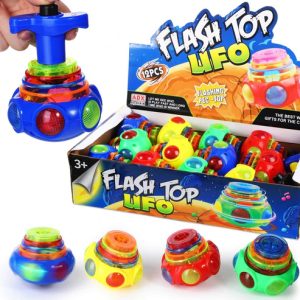
Flashing Top UFO Spinning Toy
Original price was: ₨ 800.₨ 500Current price is: ₨ 500. Add to cart -
Sale!
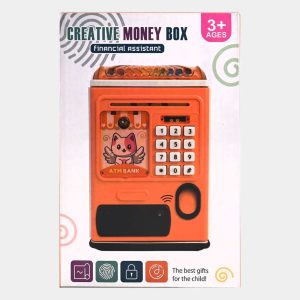
ATM Piggy Bank for Kids, Money Bank with Password and Fingerprint Lock
Original price was: ₨ 3,200.₨ 2,500Current price is: ₨ 2,500. Add to cart -
Sale!
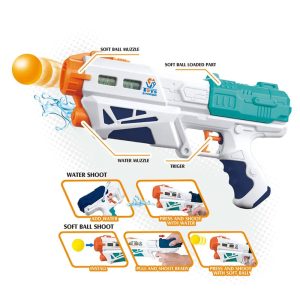
Magic Blaster 2 in 1 Gun with Soft EVA Balls and Water
Original price was: ₨ 3,200.₨ 2,500Current price is: ₨ 2,500. Add to cart -
Sale!
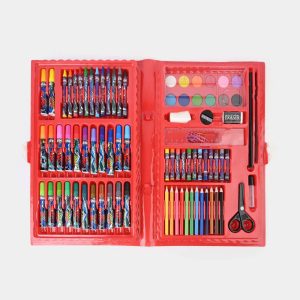
Spider-Man Color Kit 68PCs Set For kids
Original price was: ₨ 2,300.₨ 1,800Current price is: ₨ 1,800. Add to cart
Reviews
There are no reviews yet.