
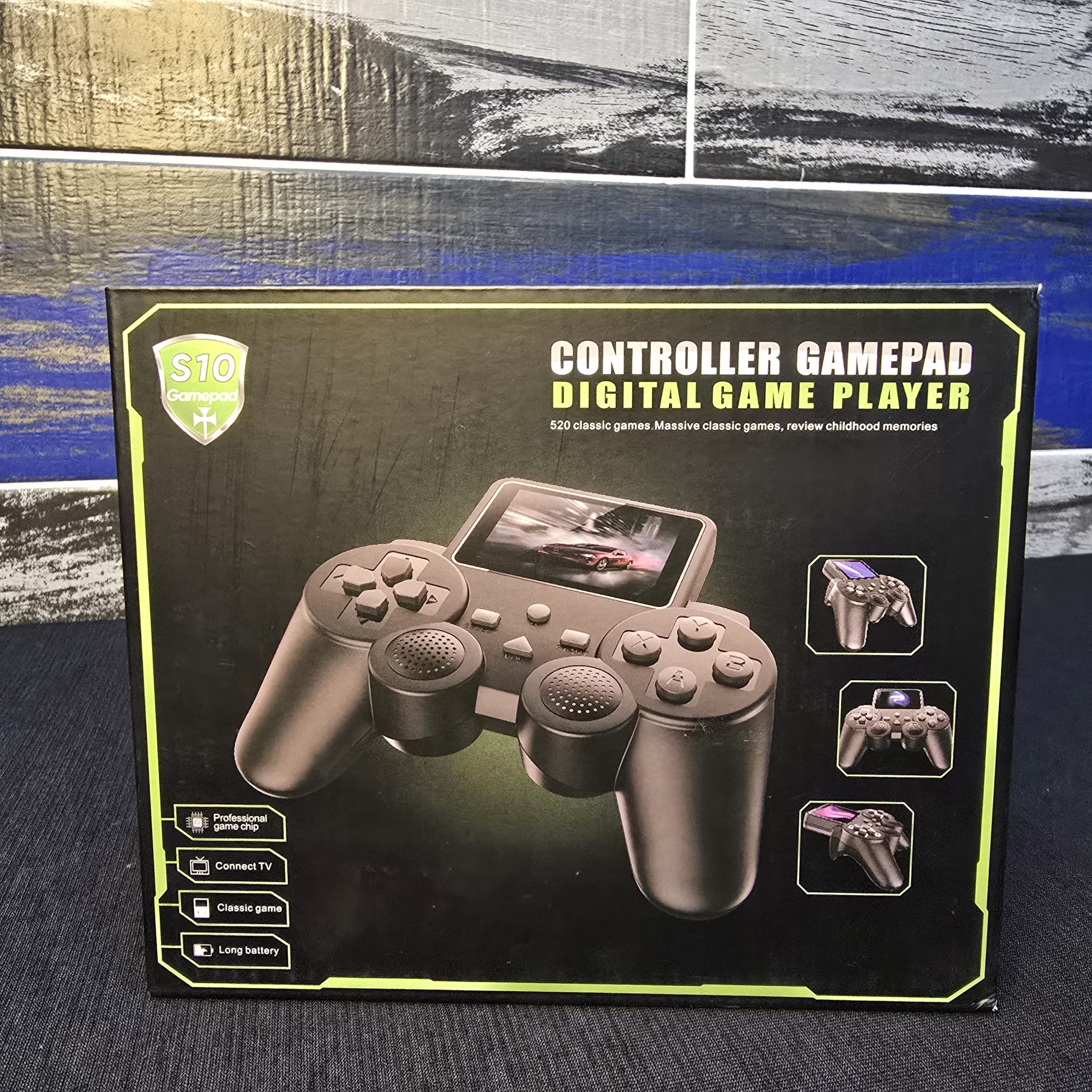
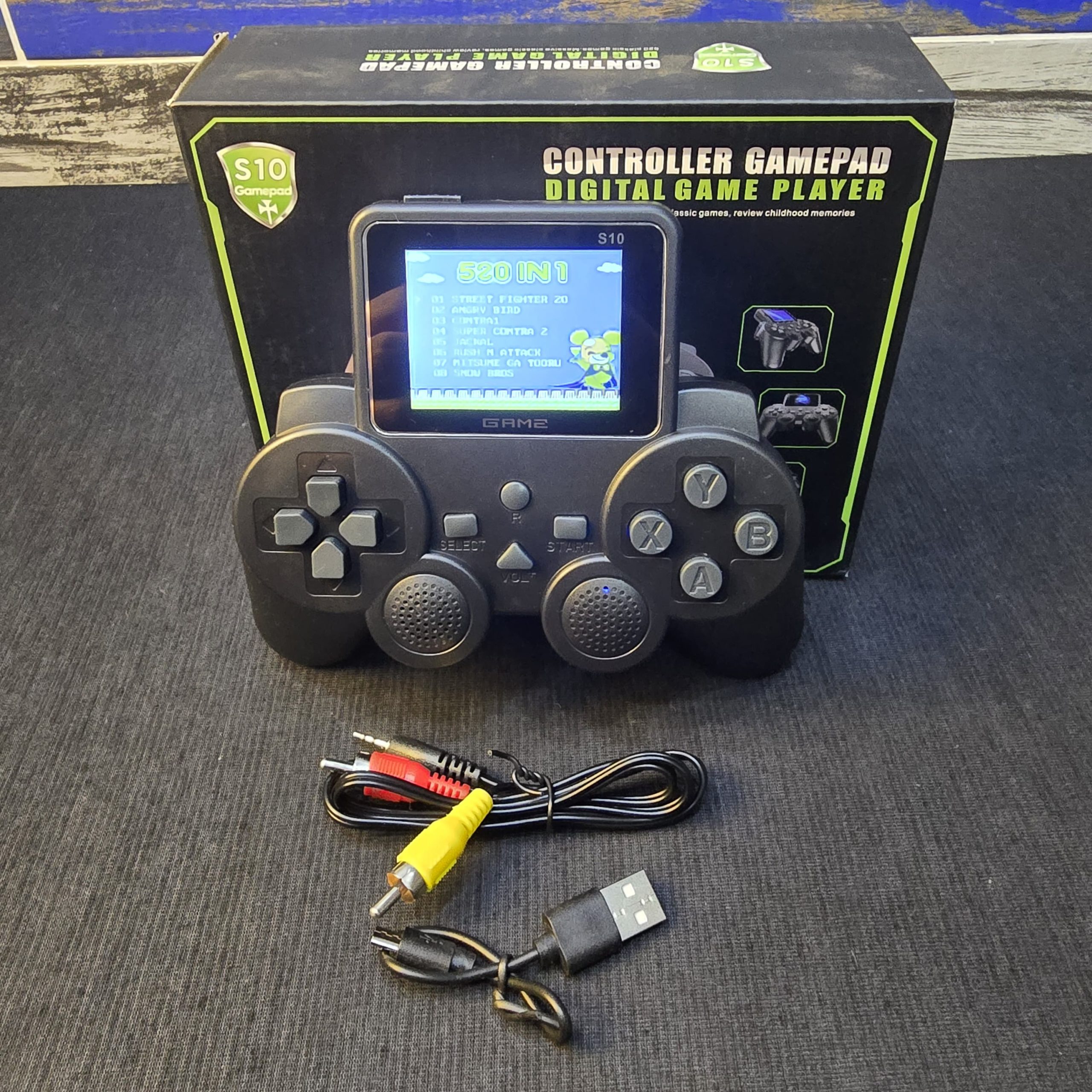
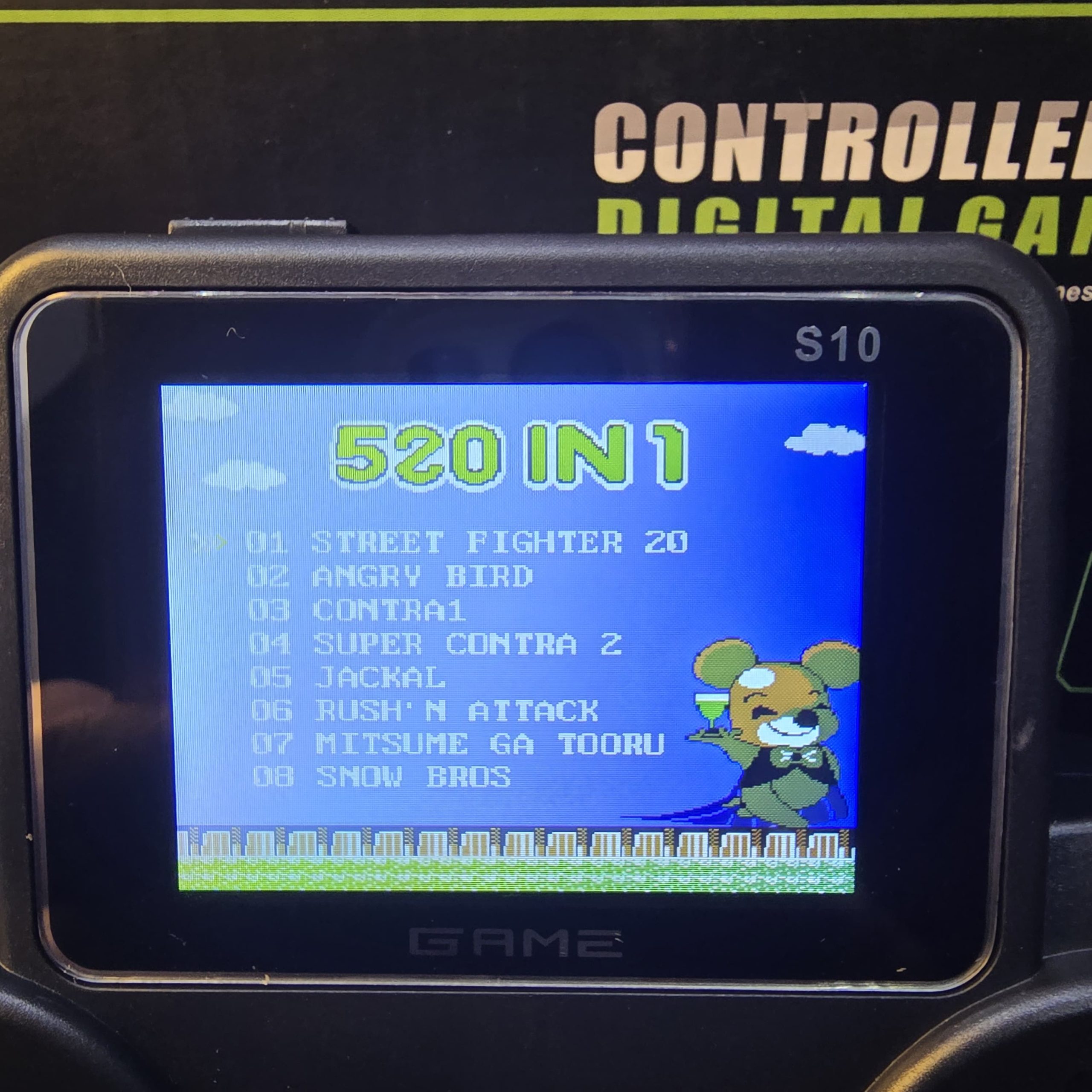
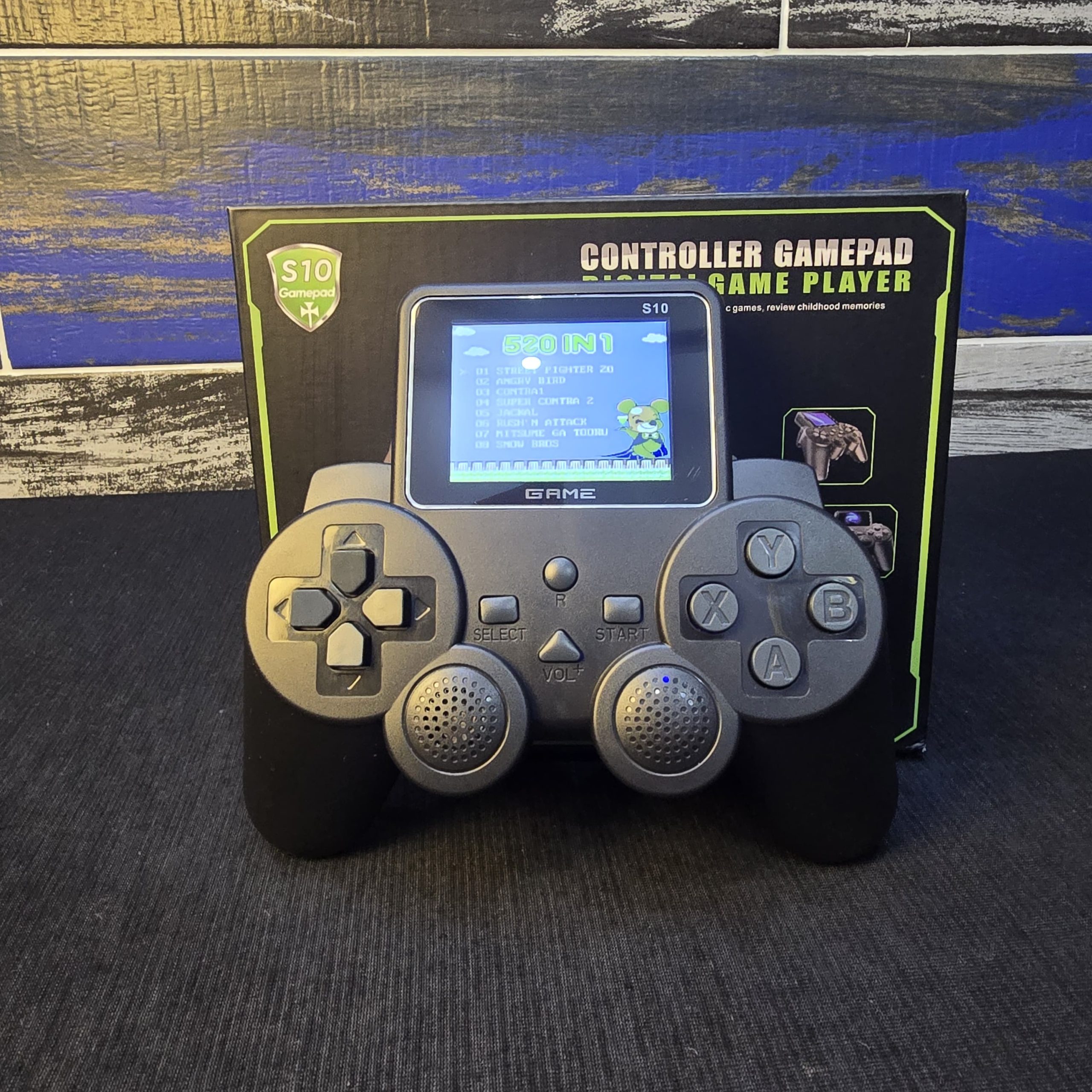
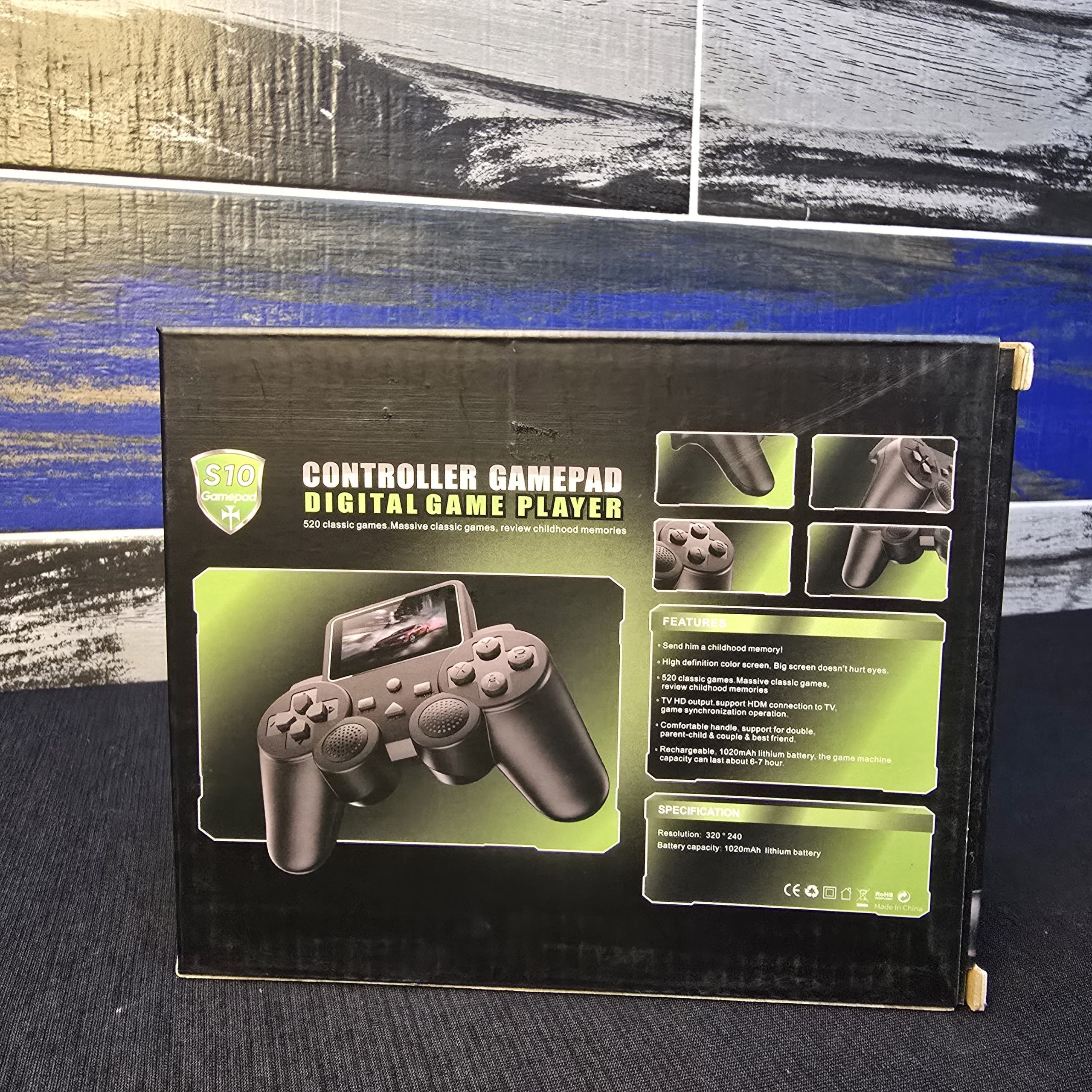
S10 Controller Gamepad Digital Game Player.
Original price was: ₨ 3,000.₨ 2,500Current price is: ₨ 2,500.
Description
Product Overview and Features
The S10 is part of a category of budget handhelds often referred to as “Famiclone” or “NES-on-a-chip” devices, though it likely uses a more modern System on a Chip (SoC) to handle its library.
Key Specifications
-
Game Library: It boasts 520 built-in classic games. These are typically 8-bit titles from the NES/Famicom era, though some variants include 16-bit Sega or SNES titles.
-
Display: It features a built-in color LCD screen (typically around 2.4 to 3.0 inches) mounted directly between the grips.
-
Connectivity: The “Connect TV” feature indicates it has an AV output (usually a 3.5mm to RCA cable) allowing you to play games on a larger television screen.
-
Power: It highlights “Long battery,” which usually refers to a rechargeable BL-5C lithium-ion battery (similar to old Nokia phones), charged via micro-USB.
Operating the Device
To get started with the S10 Gamepad, follow these general steps:
-
Charging: Locate the charging port (usually on the top edge). Charge it for at least 2–3 hours before first use.
-
Powering On: There is typically a physical sliding switch on the top or side of the unit.
-
Navigation:
-
Use the D-Pad (left side) to scroll through the game list.
-
The A/B buttons (right side) act as “Confirm” and “Back.”
-
The Start/Select buttons in the center are used to launch games and access in-game menus.
-
-
Volume Control: Look for a small dial or wheel on the side of the controller to adjust the internal speaker volume.
What to Expect (Performance & Quality)
While these devices are great for a hit of nostalgia, there are a few technical “quirks” common to this specific model:
-
Game Duplication: While the box says 520 games, you may find “hacks” or duplicates (e.g., Super Mario appearing as Mario 1, Mario 2, etc., with minor pallet swaps).
-
Screen Tearing: Because these use budget “Professional game chips,” you might notice slight horizontal lines or lag during fast-moving sequences.
-
TV Connection: Since it uses analog AV cables (Yellow/White), the image on a modern 4K TV may look “soft” or blurry compared to the handheld screen.
Troubleshooting Common Issues
| Issue | Likely Cause | Solution |
| White Screen | Low battery or loose LCD ribbon. | Charge fully; if it persists, the internal connection may be loose. |
| No Sound | Volume dial is down. | Check the physical wheel on the side/bottom. |
| Games Freeze | Software glitch. | Use the “Reset” button (usually a small circular button near Start/Select). |
Related products
-
Sale!

3D Pen Drawing Kit – DIY 3D Art & Creative Modeling Pen
Original price was: ₨ 3,500.₨ 2,800Current price is: ₨ 2,800. Add to cart -
Sale!
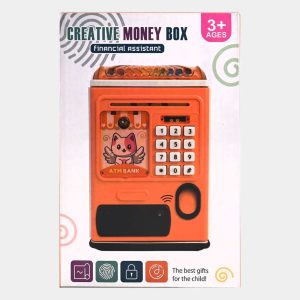
ATM Piggy Bank for Kids, Money Bank with Password and Fingerprint Lock
Original price was: ₨ 3,200.₨ 2,500Current price is: ₨ 2,500. Add to cart -
Sale!

Baby Rattle Set 3 Pieces
Original price was: ₨ 800.₨ 550Current price is: ₨ 550. Add to cart -
Sale!

Bubble Gun Fun-Filled Bubble Blaster for Kids & Outdoor Play
Original price was: ₨ 1,500.₨ 950Current price is: ₨ 950. Add to cart
Reviews
There are no reviews yet.