
Interactive Educational Computer Pad for Kids
Original price was: ₨ 1,900.₨ 1,600Current price is: ₨ 1,600.
Description
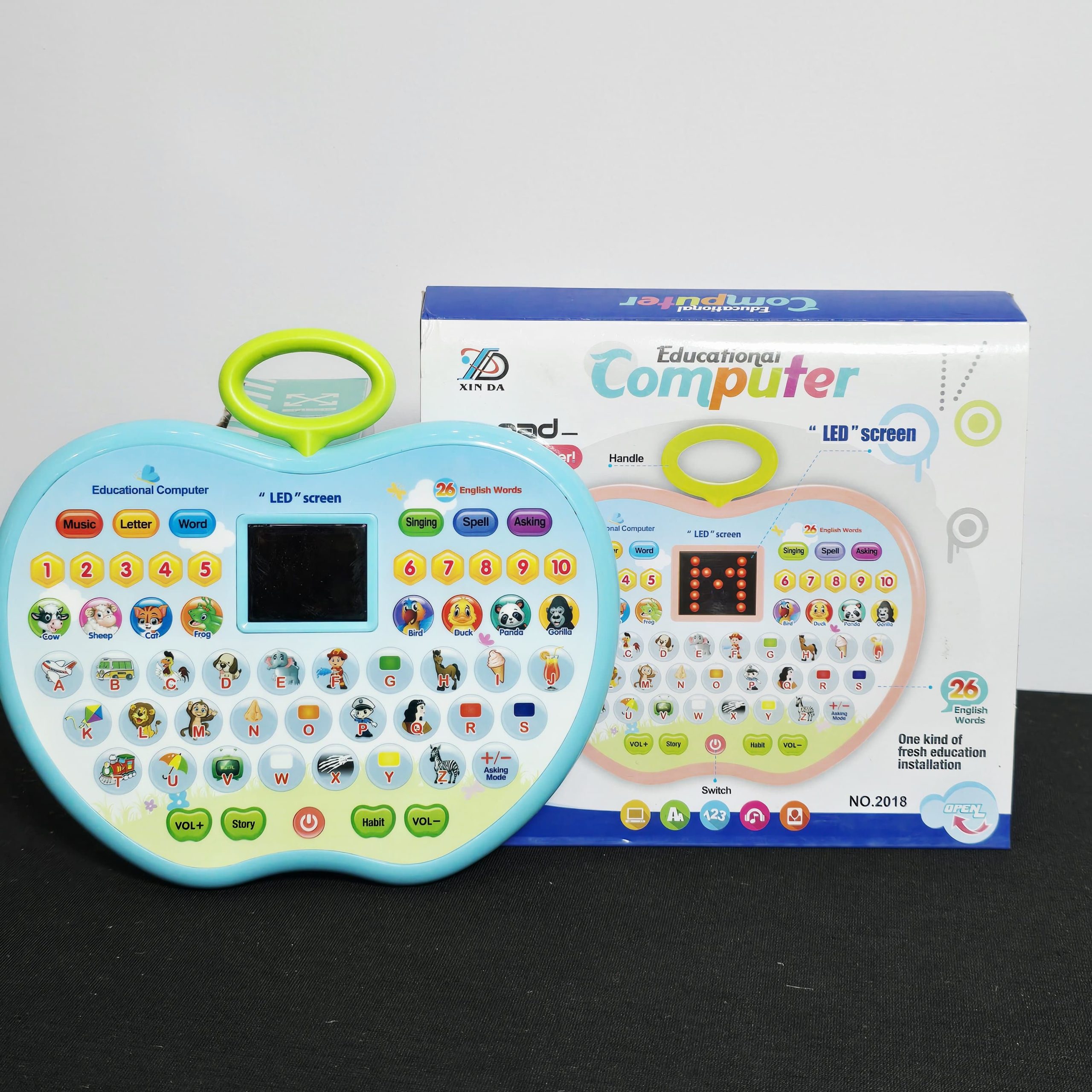
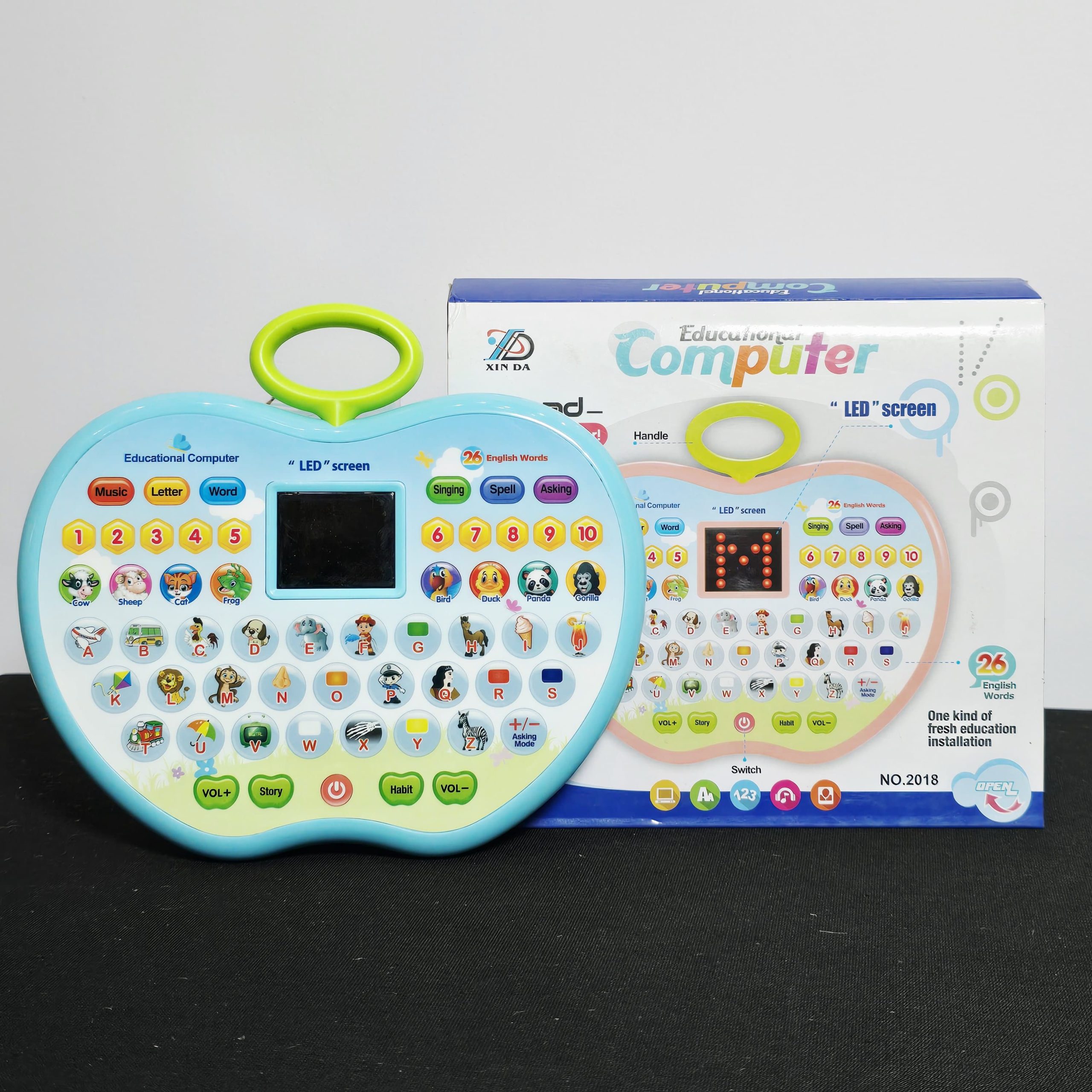
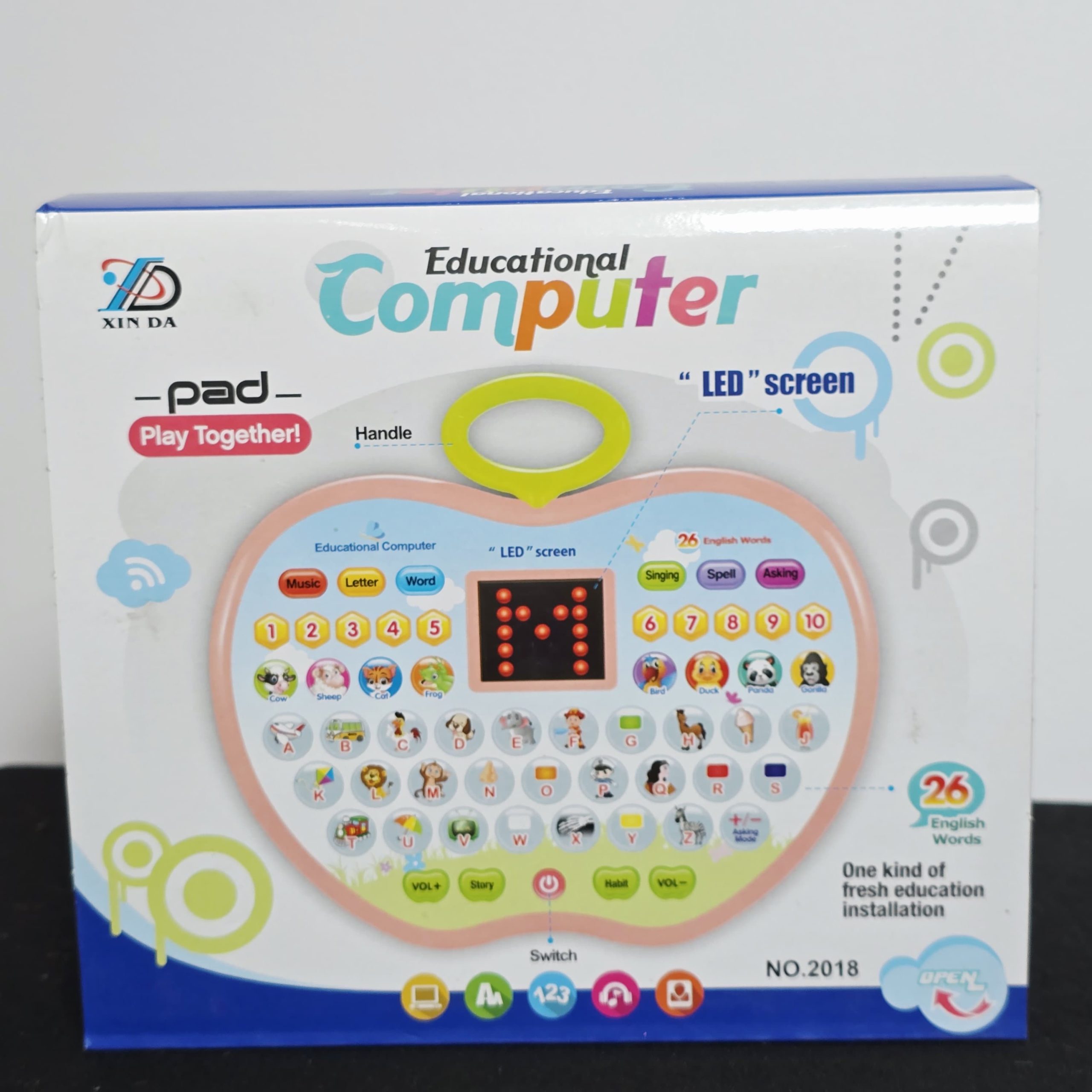
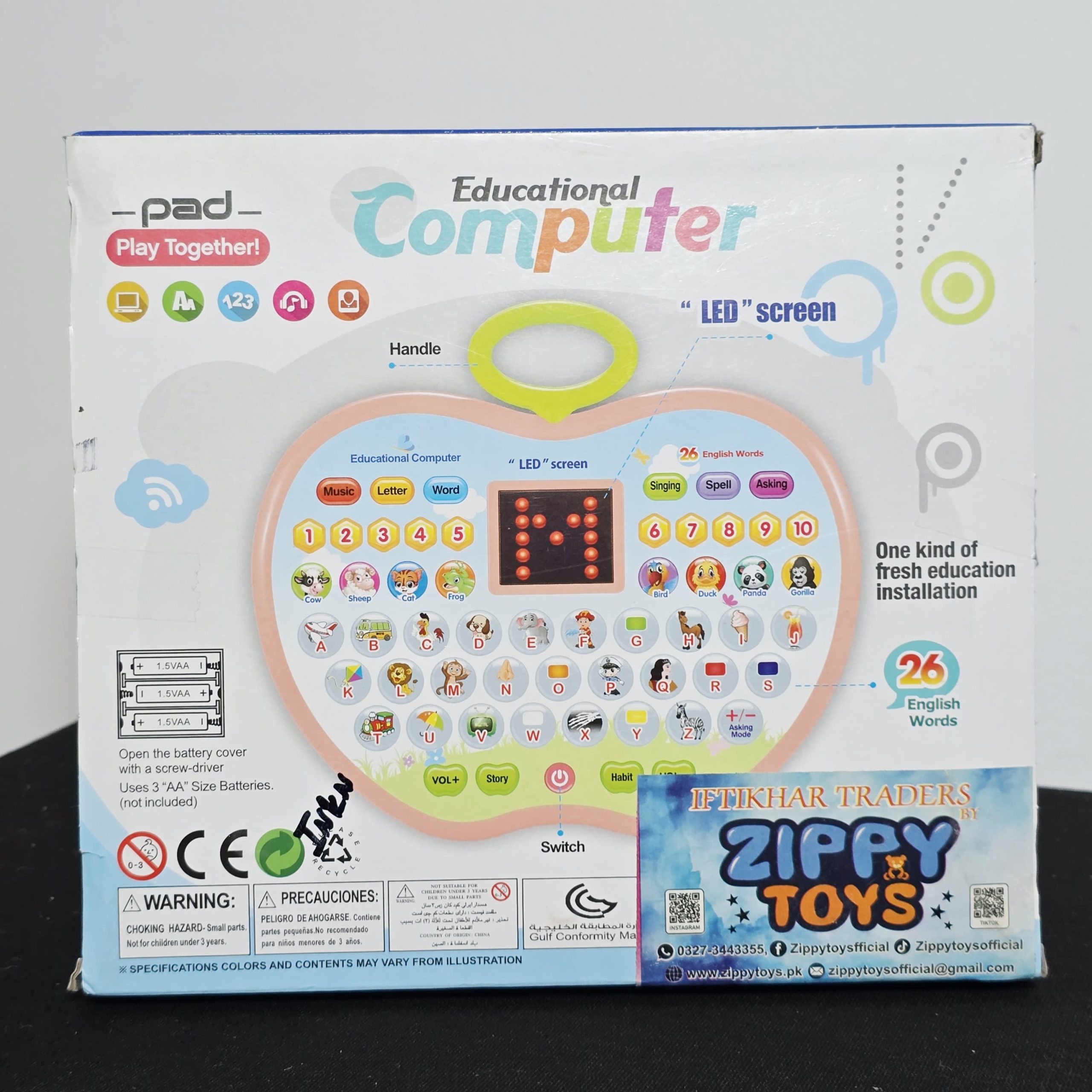
Introduce your child to the foundations of learning with the Xin Da Educational Computer Pad. Designed as a “fresh education installation,” this interactive toy blends music, letters, and words into an apple-shaped tablet to make early learning engaging and fun.
Key Educational Features
-
26 English Words & Letters: Features a full A-Z keyboard to help children recognize letters and learn 26 corresponding English words through visual icons.
-
Interactive LED Screen: Equipped with a central LED display that shows letters and patterns to reinforce visual learning.
-
Multifunctional Learning Modes:
-
Letter & Word Mode: Helps with basic literacy and vocabulary building.
-
Spell Mode: Encourages children to learn the spelling of various words.
-
Asking Mode: An interactive quiz feature that asks the child to find specific letters or words.
-
-
Musical Entertainment: Includes dedicated buttons for Music, Singing, and Stories to keep children entertained while they learn.
-
Number Recognition: Includes buttons numbered 1 through 10 to introduce basic counting and number sequence.
Product Highlights
-
Kid-Friendly Design: Shaped like a bright apple with an integrated easy-carry handle for learning on the go.
-
Sound Control: Features dedicated VOL+ and VOL- buttons to easily adjust the toy’s volume to a comfortable level.
-
Healthy Habits: Includes a unique “Habit” button designed to teach children positive daily routines.
-
Durable Build: Lightweight yet sturdy construction, perfect for small hands to hold and interact with.
Specifications
| Feature | Details |
| Brand | Xin Da |
| Model Number | NO.2018 |
| Language | English |
| Display | Interactive LED Screen |
| Core Functions | Letters, Words, Spelling, Math, Music, Stories |
| Power Switch | Centrally located soft-touch button |
How to Play
-
Power On: Press the red Switch button at the bottom center to begin.
-
Select a Mode: Choose from Music, Letter, Word, Singing, Spell, or Asking modes located at the top.
-
Interact: Press any letter or number button to hear the corresponding sound and see the display on the LED screen.
-
Listen & Learn: Press the Story or Habit buttons for longer audio segments that encourage listening skills.
Related products
-
Sale!
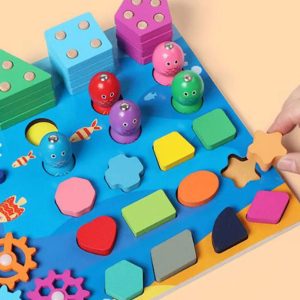
Wooden Puzzle Sorting Toys For Children
Original price was: ₨ 4,000.₨ 3,200Current price is: ₨ 3,200. Add to cart -
Sale!
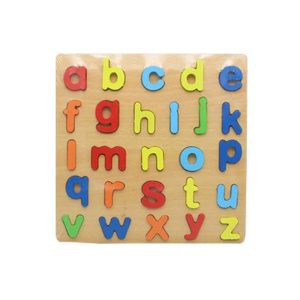
3D Wooden Puzzle Board
Original price was: ₨ 1,000.₨ 750Current price is: ₨ 750. Add to cart -
Sale!
Portable Disposable Paper Soap Confetti Cleaning Washing Hand Bath
Original price was: ₨ 1,800.₨ 1,300Current price is: ₨ 1,300. Add to cart -
Sale!
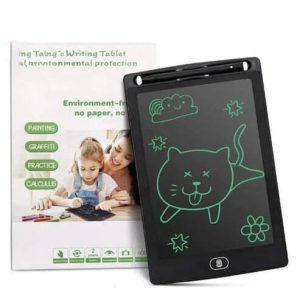
LCD Writing Tablet 8.5 Inch
Original price was: ₨ 800.₨ 450Current price is: ₨ 450. Add to cart
Reviews
There are no reviews yet.